 Tempoist · Metronome with tap tempoTap it in. Keep the beat.
A simple metronome: tap along to set the tempo, then play to a click that mixes with your music. For iPhone and iPad.
Requires iOS 27 or iPadOS 27 · iPhone and iPad
Screens
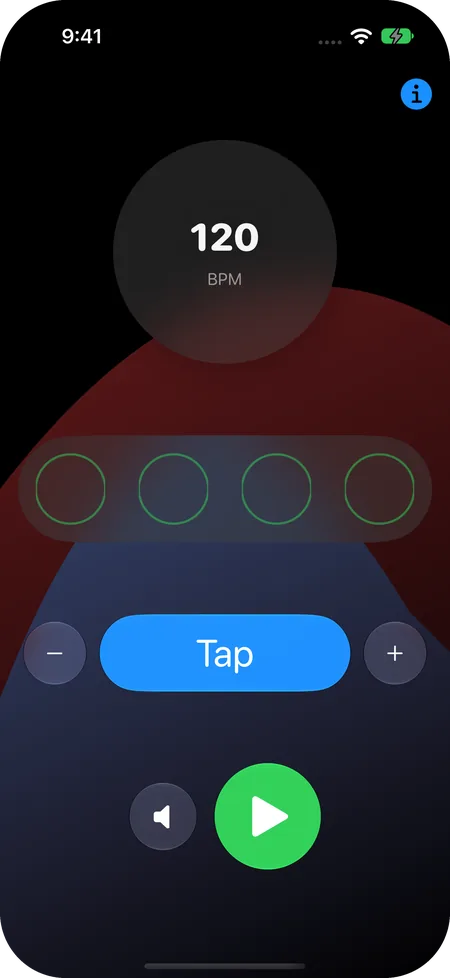
One screen. That's the whole app.
The tempo, the beat, and every control in one place. Open it, tap, and play.
Features
Simple on purpose.
Four beats to the bar, and a tempo you tap in or step by 1 BPM. Requires iOS 27 or iPadOS 27, on iPhone or iPad.
Tap tempo
Tap along with a song. Tempoist averages the last three gaps between your taps to set the tempo.
One BPM at a time
The minus and plus buttons nudge the tempo up or down by 1 BPM.
A beat you can see
Four circles fill in with each beat of the bar.
A click that plays along
The click mixes with music from your other apps, so you can play along. The sound button turns it off.
A beat you can feel
On iPhones with haptics, turn on a vibration on each beat.
Where you left off
Tempoist remembers your tempo and whether the click and vibration are on.
Made for iOS 27
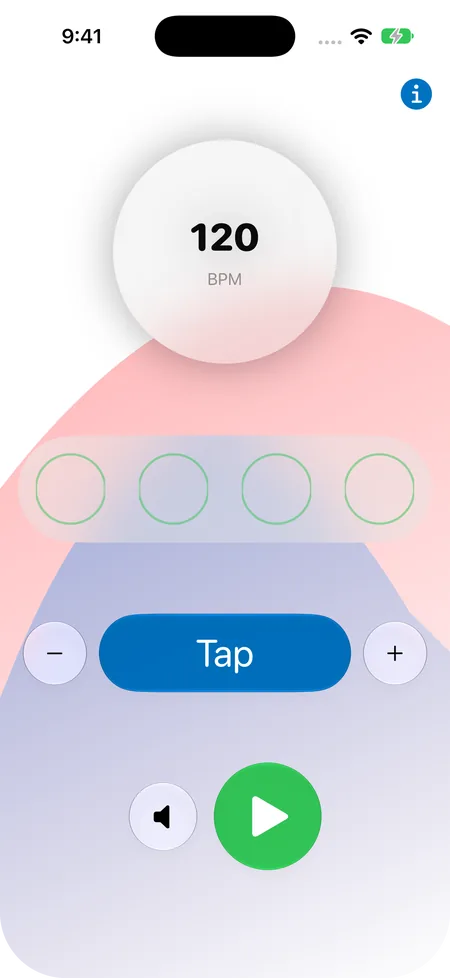
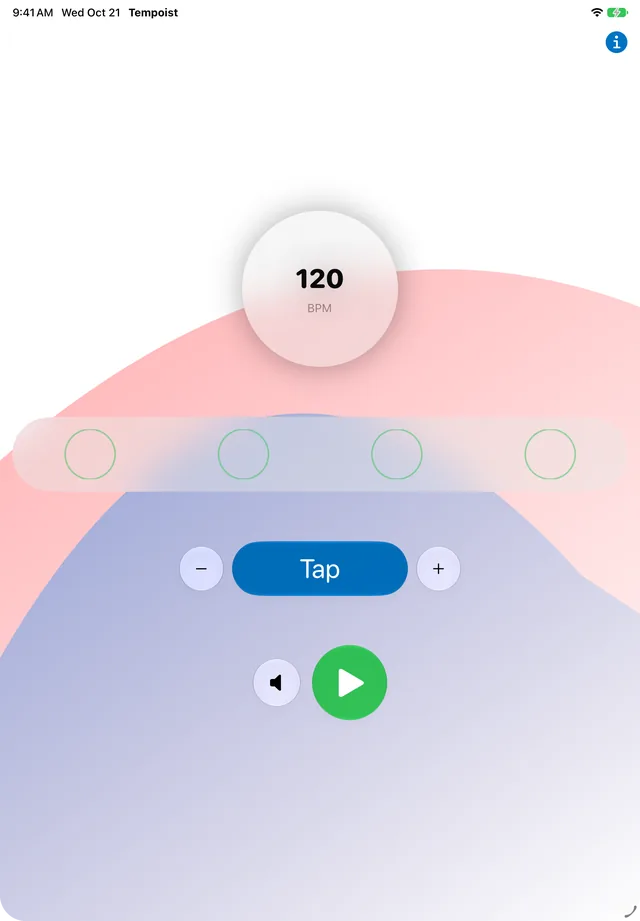
Liquid Glass controls, in light and dark mode.
VoiceOver
The controls have VoiceOver labels, and Tap reads out the current tempo.
Privacy
Tempoist collects nothing.
No network requests, no analytics, no accounts, and no in-app purchases. Your tempo and settings stay on your device.
On the App Store, its privacy label reads Data Not Collected.
Read the privacy policyFind the tempo. Keep it.
Tempoist for iPhone and iPad. Something not working, or an idea for it? Send a note through support.
One bar · four beats at 120 BPM